
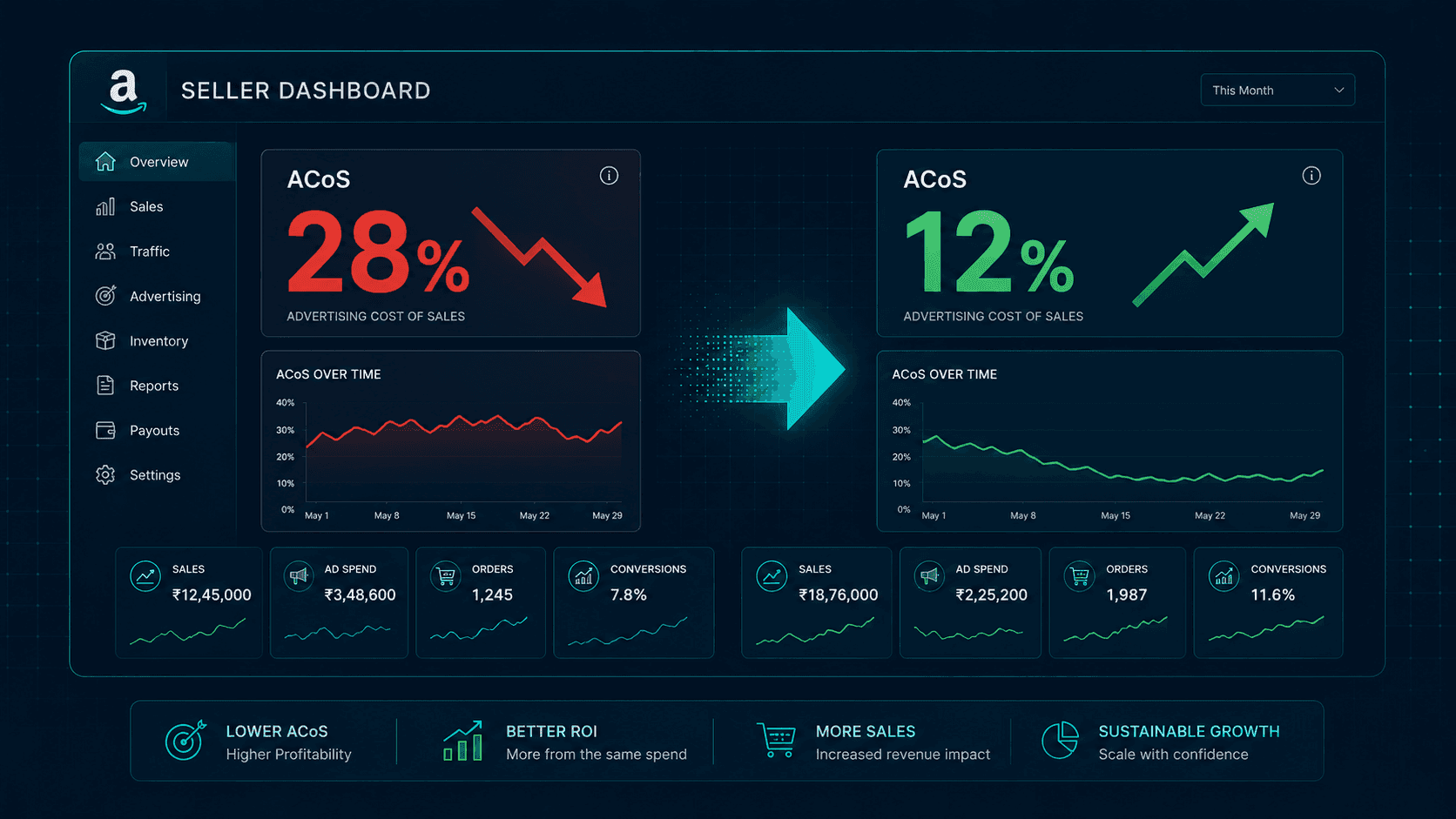
Amazon ACoS Above 20%? Here's Your 5-Step Fix for Indian Sellers in 2026
Is your Amazon ACoS draining your margins? Learn the 5-step system Indian sellers use to reduce ACoS, fix campaign bleed, and build profitable Amazon PPC in 2026.
You're running ads. Orders are coming in. The dashboard looks busy.
But at the end of the month, the numbers don't add up. You're spending more, somehow making less money per sale than you did when you started. Your ACoS reads 24%. Maybe 28%.
This is the most common and most expensive problem facing Indian Amazon sellers in 2026. CPCs (cost per click) in competitive categories have risen 40–60% since 2022 as more brands flooded the platform post-COVID. The marketplace got more crowded, bids went up, and margins got squeezed, but most sellers kept running the same campaigns they always had.
This blog is a 5-step system to fix that. Not hacks. Not one-time tweaks. A repeatable framework that brings ACoS under control and keeps it there.
What Is ACoS and Why Does It Matter for Your Amazon Business?
ACoS stands for Advertising Cost of Sale. The formula is simple:
ACoS = Ad Spend ÷ Ad Revenue × 100
If you spent ₹20 in ads and generated ₹100 in sales from those ads, your ACoS is 20%.
It matters because it tells you directly how much of every rupee earned from advertising you're giving back to get that sale. At 10% ACoS, you're spending ₹10 to make ₹100. At 30% ACoS, you're spending ₹30, and once you account for COGS, platform fees, fulfilment, and GST, that sale may have cost you more than it earned.
ACoS is more than an advertising metric. It is a margin signal. When it spikes, your business is telling you something is not working in your campaigns, your listing, or both.
What Is a Good ACoS for Amazon India, and Why 20% Is Your The Standard
There is no universal "good" ACoS. The right target depends entirely on your margins. The formula that matters is:
Break-Even ACoS = Net Margin % before advertising costs
If your net margin before ads is 22%, an ACoS above 22% means every ad-driven sale is losing money. The 20% threshold is a practical alarm for most Indian sellers because average net margins across categories, after COGS, Amazon fees, fulfilment, and GST, sit in the 18–25% range.
The right ACoS is category-dependent:
FMCG and consumables: 8–12% is healthy
Electronics and high-ticket: 10–15% acceptable
Fashion and lifestyle: 12–18% workable
New product launch phase: 25–35% temporarily acceptable, not sustainable
The Cash On Delivery and Return to Origin blind spot most sellers miss
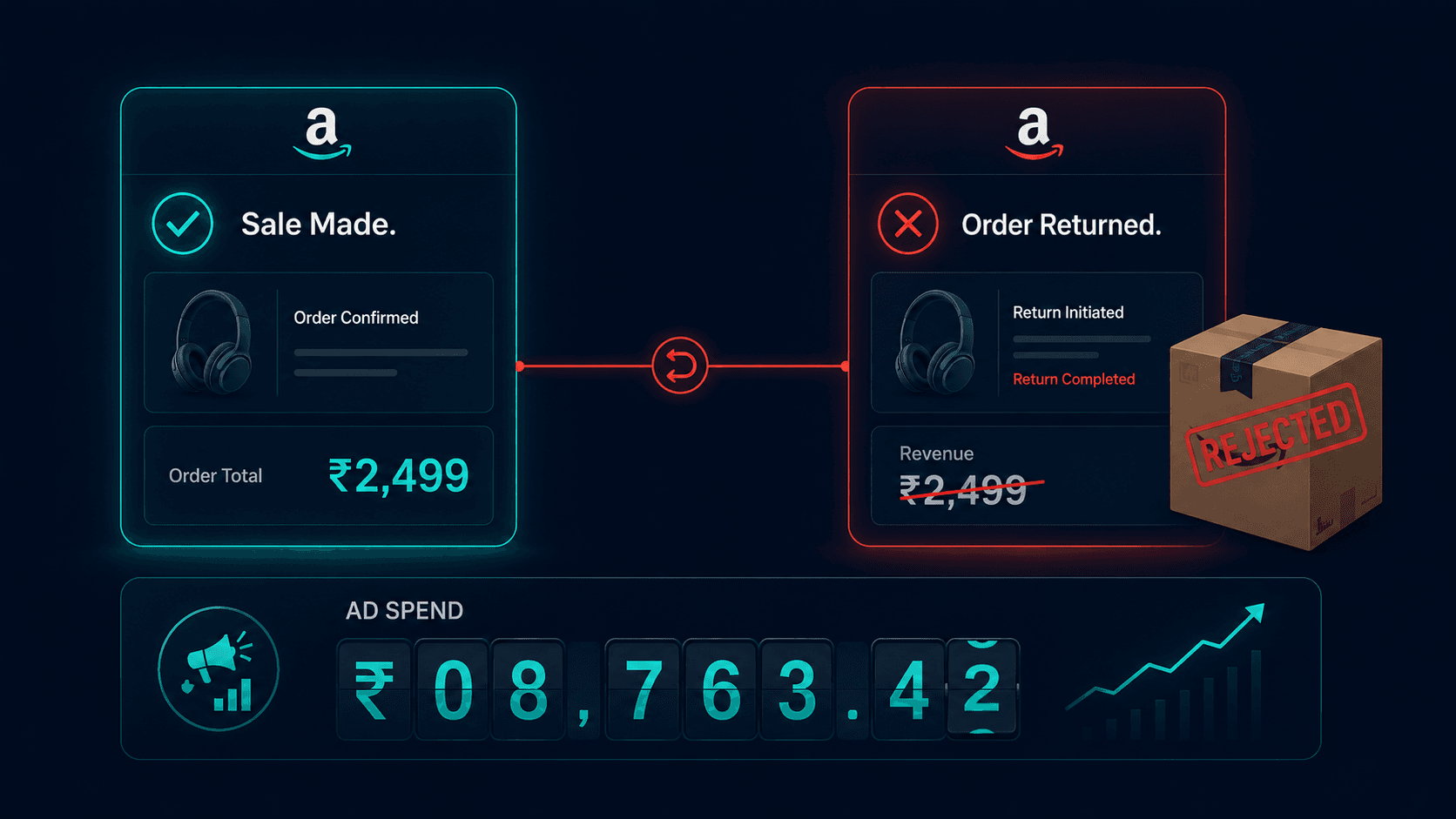
Here is something Amazon's dashboard doesn't show you cleanly. In India, COD orders account for 50–65% of total orders across many categories. RTO rates in fashion average 20–30%. When a customer rejects a COD delivery or returns an order, that sale disappears from your revenue, but the ad spend that generated the click has already occurred. The money is gone.
Ad spend is fixed the moment someone clicks. Revenue is not guaranteed until the order is delivered and accepted. Amazon's ACoS dashboard doesn't reconcile this gap in real time. Which means your real, cash-in-hand ACoS is routinely 5–8 points higher than what you're reading on screen.
ACoS vs TACoS: the smarter metric to watch
ACoS only measures ad revenue. TACoS (Total Advertising Cost of Sale) = Ad Spend ÷ Total Revenue, including organic sales. A high ACoS with low TACoS is acceptable because your ads are building organic rank. A high ACoS with high TACoS means your listing can't stand on its own, and ads are propping up a fundamentally weak product presence. Always read both numbers together.
Why Is My Amazon ACoS So High? The 5 Root Causes

ACoS spikes almost always trace back to one or more of these five causes.
Auto campaigns are running unaudited:
Amazon's automatic campaigns match your ad to search queries based on keyword overlap, not buyer intent. A seller of chocolate whey protein might be spending on "chocolate powder for kids" or "chocolate cake recipe" because the words overlap. Someone clicks out of curiosity, lands on a gym supplement, and leaves.
You paid ₹20–40 for that click. Multiplied across hundreds of irrelevant clicks daily, your ACoS bleeds silently.
Flat bids across all intent levels.
A customer searching your exact brand name is ready to buy, i.e. conversion rate 40–70%. A customer browsing a generic category keyword is just looking, i.e. conversion rate 5–15%. Bidding the same amount for both is burning money on low-intent traffic while underinvesting in high-intent buyers.
Product listing quality is silently killing conversion rate.
ACoS = Spend ÷ Revenue. If your conversion rate drops, people click your ad but don't buy, your revenue stays low while spend continues. A weak main image, thin bullet points, no A+ content, and a 3.2-star rating all of these make customers bounce after clicking on the product page. Despite paying for the click, poor listing quality inflates ACoS without touching a single bid.
Wrong Keyword match types waste ad spend.
Broad match keywords tell Amazon to show your ad for any loosely related search. Exact and phrase match give you control over which queries trigger your ad. Most sellers launch everything on broad match and never tighten it as per category, spending heavily on low-relevance traffic that was never going to convert.
No dayparting or budget pacing.
Most Indian categories convert the heaviest between 7 and 10 pm. If your daily budget is exhausted by noon, which is common with unmanaged campaigns, you're missing your highest-converting window entirely. Meanwhile, you're spending through 2–5 am when almost nobody is buying.
The 5-Step Fix to Reduce Amazon ACoS in India

Step 1: Run a Search Term Audit and Kill the Bleeders
Go to Campaign Manager → Reports → Search Term Report. Pull the last 60 days. Sort by spend, highest to lowest. Look for every search query that has generated clicks and spend but zero purchases.
These are your bleeders. Add them as negative keywords immediately, exact match for specific irrelevant terms, phrase match for irrelevant themes. This single step alone typically drops ACoS by 4-8 points within two weeks for sellers who've never done it.
Run this audit monthly. New irrelevant queries enter your campaigns constantly as Amazon updates its matching behaviour.
Step 2: Restructure Campaigns by Intent
Stop running one or two campaigns that mix branded, category, competitor, and generic keywords. Separate them into four distinct campaign types with separate budgets and bids:
Branded campaigns: These are keywords containing your brand name, giving the highest conversion with the lowest bid needed.
Category campaigns: These are generic category terms. They give medium conversion with medium bids.
Competitor campaigns: They contain competitor brand names, resulting in low conversion and low bids.
Generic campaigns: These are for broad category exploration with lowest conversion, and tightest bids and budgets.
When these are mixed, one poorly performing keyword type drags down the data and distorts your bid decisions across the board. Separation by campaign type gives you visibility and control.
Step 3: Fix the Listing Before You Fix the Bid
Your Amazon product listing is your conversion engine. Components like main image, title, bullet points, A+ content, review count and rating determine what percentage of clicks become purchases. A 2% improvement in conversion rate reduces ACoS more than almost any bid adjustment you can make.
Before cutting bids, audit your listing against these benchmarks: main image on pure white background with product filling 85%+ of the frame; bullet points leading with the benefit, not the feature; A+ content with comparison chart; minimum 15 reviews with 4.0+ rating. If any of these are weak, fix them first. Sending more traffic to a broken page is expensive.
Step 4: Set Bid Modifiers by Placement
Amazon serves your ads in three placements:
Top of Search (first results at the top of the page),
Rest of Search (lower down), and
Product Pages (on competitor listings).
These three placements convert at very different rates. Top of Search typically converts 2–3x better than Product Pages.
By default, Amazon applies your base bid uniformly across all three. Bid modifiers let you override this. Go to your campaign settings and set a Top of Search modifier of 30–70% above your base bid, meaning Amazon automatically bids higher to win premium placement where conversion is strongest, and pulls back where it isn't.
This concentrates your budget where it performs, without increasing total spend.
Step 5: Build a Weekly Optimisation Cadence
ACoS is not a problem you solve once. It is a system you run consistently.
Define a weekly 30-minute review covering three things: pull the search term report and add new negatives; check bid performance by campaign type and adjust up or down by 10–15% based on last week's ACoS vs target; review budget pacing and reallocate from underperforming campaigns to overperforming ones.
Sellers who do this weekly consistently maintain ACoS 5–10 points lower than sellers who optimise reactively. The festive season makes this non-negotiable, CPCs spike 2–3x during October and November on Amazon India. Sellers without a weekly optimisation system see ACoS double during their highest-volume period of the year, wiping out the margin benefit of peak sales.
ACoS signals margins beyond spending metrics
Each of these five steps works individually. But they work as a system.
A high ACoS is never just an advertising problem. It is a signal that somewhere in your Amazon presence, your campaigns, your listing, your bidding structure, or your review of all three, something is broken. The sellers who treat it as a system to manage, not a number to panic about, are the ones who build profitable, scalable marketplace businesses.
The ones who don't are funding Amazon's growth out of their own margins.
Not Sure Where Your ACoS Is Bleeding?
Pinnacle Growth Consulting offers a free Marketplace Growth Audit, a structured diagnostic of your Amazon ad account, listing quality, and campaign architecture to identify exactly where your spend is leaking and what to fix first.
Book a Free Marketplace Growth Audit
No pitch. Just a clear picture of what's broken and how to fix it.